Know what needs attention.
See equipment status across your customers and buildings. Start the conversation with a clearer picture.
Graphics, alarms, trends, and equipment information for mechanics and operators. Adjust setpoints, manage schedules, and verify how the equipment responds.
 StatIQOperator workspace
AAON · RN-060
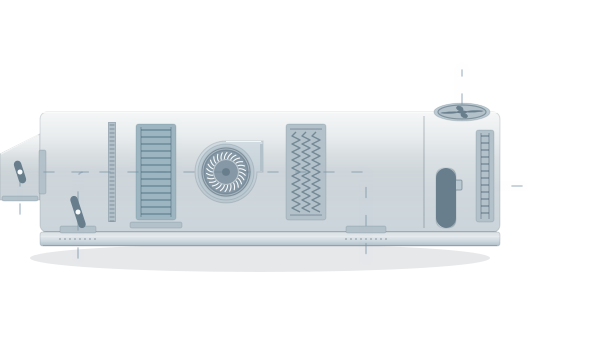 RETURN AIR74.8°FSUPPLY AIR55.2°F
A mechanic should not need to become a controls programmer to investigate a fault. StatIQ brings visibility and practical controls into a user interface built around service work: monitor, troubleshoot, and adjust.
See equipment status across your customers and buildings. Start the conversation with a clearer picture.
Use graphics, alarms, and trends to understand the equipment and investigate the problem.
Change supported setpoints and schedules from the same interface you use to diagnose the equipment. Check the operating data to verify how it responds.
Connect NueGate and select the equipment you want to monitor. Add its type and model information. StatIQ builds the user interface for supported equipment.
How the connection worksNueGate discovers devices on the equipment or BMS network.
Select the equipment to confirm which you want to monitor.
Graphics, alarms, trends, and equipment information, brought together.
Tell us what you service. Let’s find the right starting point for your team.